
Most resume tools simply give you a nicer layout. Most writing tools will happily invent a job title, a metric, or a software platform you have never used. I built CV Studio to bridge the gap between those two extremes. You bring a real CV and a real job vacancy. The studio rewrites your document for that specific role, and it is strictly forbidden from adding a single fact that was not already yours.
The Problem I Wanted to Solve
A job application is a sorting problem and a writing problem at the exact same time. The vacancy tells you which parts of a career matter most for this particular role. The CV remains a strict record of what you actually did. If a builder only changes the fonts, the document entirely misses the specific language of the job. If a language model is simply told to make the text stronger, it often fills the gaps with employers, dates, certifications, and numbers that were never in the source material.
I wanted one place where those jobs stay completely separate. The CV decides what is true. The job description decides what to bring forward. The template decides how it looks on the page. None of those three elements is allowed to do the work of the others.
How I Put That Idea Into the Product
CV Studio is a web application with no account requirement. You paste your CV or upload a PDF, Word document, or text file, and then paste the target job description. The server reads both inputs. Where a language model is available, it rewrites sentences so they directly face the vacancy.
"The model is good at wording. It is a poor authority on your life. The code keeps the source CV as the record."
The application surrounding that model is what decides whether the draft can actually be used. A missing employer, a new date, a tool you did not list, or a metric you did not write is never treated as an improvement.
That rigid split is the core of the design. The model is good at wording. It is a poor authority on your life. So the code keeps the source CV as the absolute record, uses the vacancy purely for emphasis, and checks the final result before it is treated as ready. If the model cannot be reached, the app still has its own rules running on the server and does not invent a career history to fill the gap.
The page you edit is the exact page you export. Sections can move up and down, and they can shift between columns on the layouts that feature two. Fonts, accent colours, and templates handle the presentation layer. Word and PDF downloads come directly from that same document, so the resulting file is the exact layout you were looking at, not a secondary design generated somewhere else.
A sample candidate profile is built directly in, so anyone can click through the studio and explore before replacing the content with their own text. Saved applications and the open draft stay locally in the browser. What is sent to the server, what may be sent onward for wording, and how to delete the browser copy is all detailed transparently on the privacy page.
What You Do With It
- Open CV Studio and add your CV, or try the live demo first.
- Paste the job description. That text sets the priority. It does not add experience you do not have.
- Choose a template and edit directly on the page to change wording, order, columns, type, and colour.
- Download the completed CV, and a cover letter when you want one, as a Word document or a PDF.
The Templates
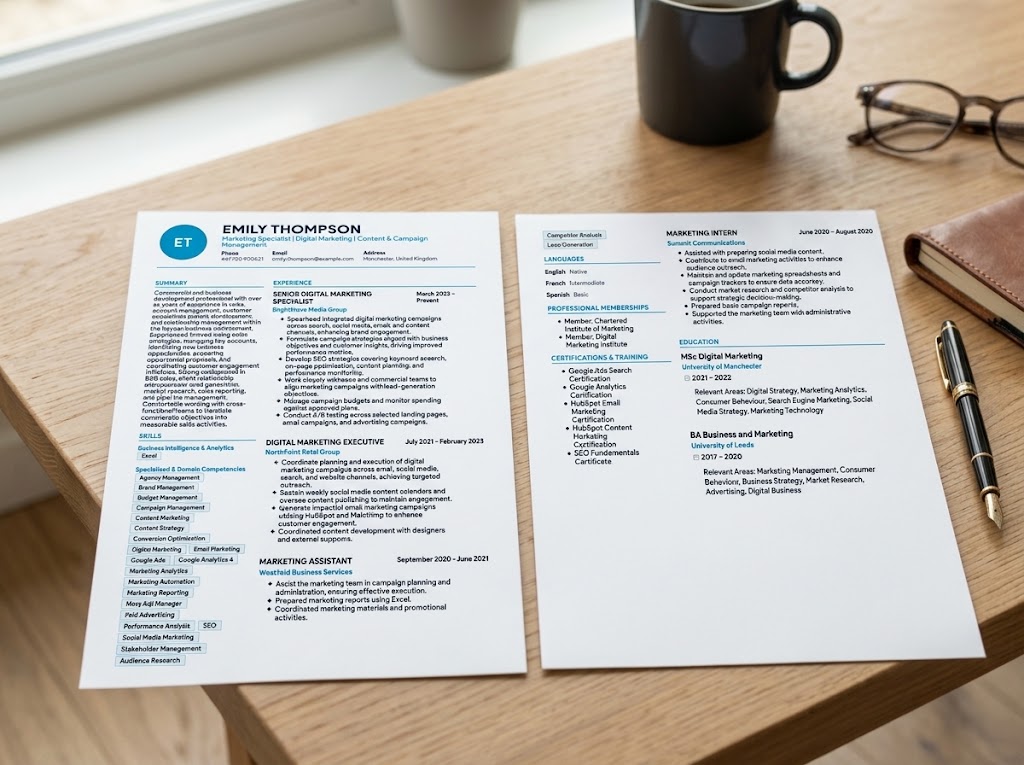
I kept eleven distinct CV layouts. Some are quiet enough to pass cleanly through an applicant tracking system. Some use a rail, a banner, or a masthead when the role can carry a more designed page. Each preview below is the template itself, photographed on a desk, so you can see the true structure before you open the studio.


What I Left Out on Purpose
There is no sign-up wall. I did not want a CV stored against an account you have to remember. The draft you are editing stays entirely in that browser. I also did not want a scoring mechanism that rewards invented impact. A stronger verb is useful. A percentage you never actually achieved is not.
CV Studio is completely free to use and it is a portfolio project. It will not create a career you do not have. It will help you show the one you do, in the exact order and the language of the job you are answering.